WooCommerce PluginDownload free version
Abandoned Cart Recovery for WooCommerce
No reviews yet
from$69.00/yr
WooCommerce product add-ons: text, swatches, uploads and conditional options
Get a Tailorly Pro key by email and use every Pro feature for 7 days on one site. No card needed, nothing renews automatically — when the trial ends, Pro switches off unless you choose a plan. One trial per email.
Choose monthly, 1 year or lifetime — your key and download link are emailed instantly.
Upload the zip in wp-admin. The free core works right away.
Paste it in the plugin's License tab to activate.
Pro features, updates and priority support switch on.
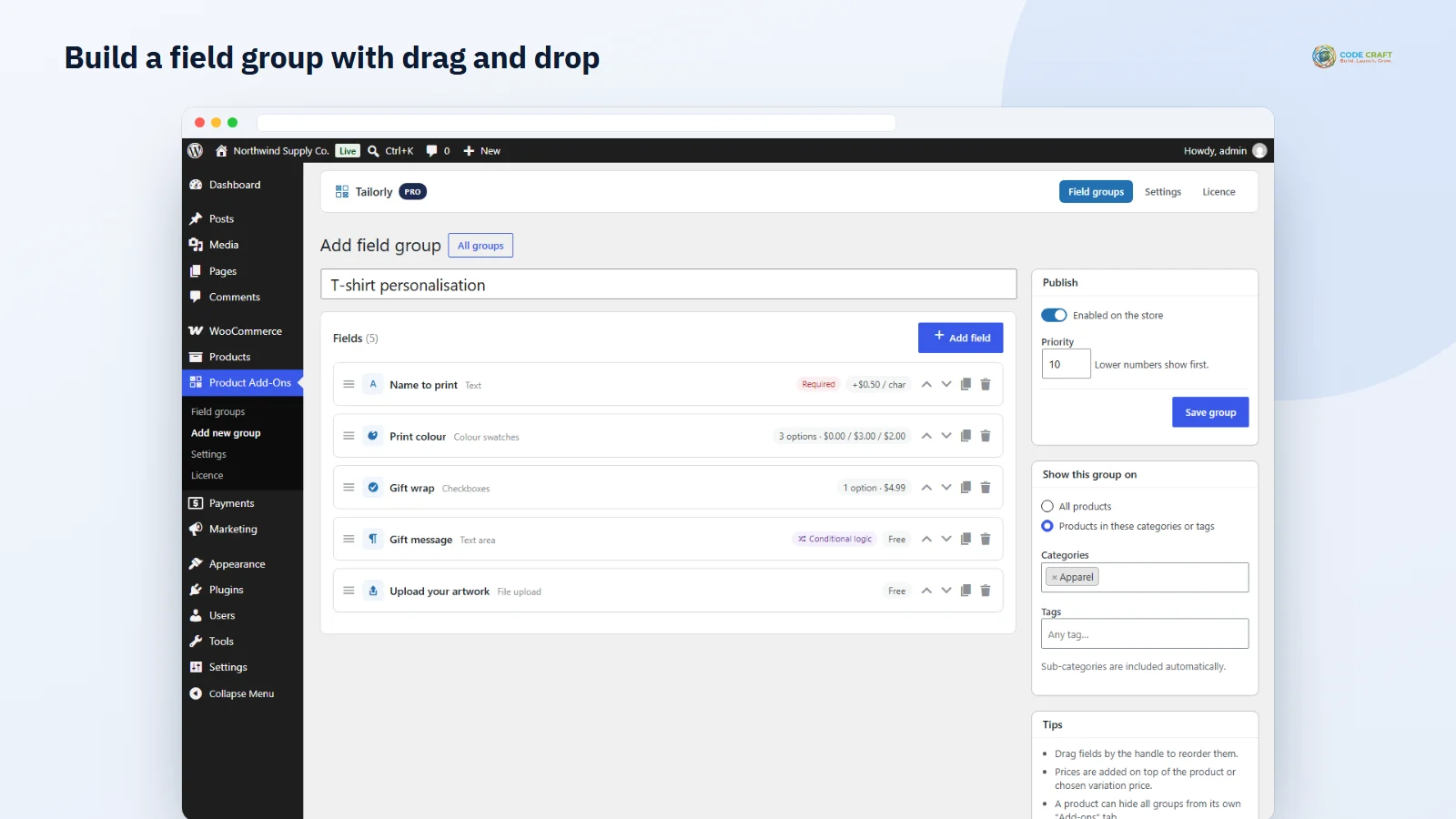
Build a field group with per-character pricing, colour swatches, a conditional gift message and an artwork upload, then buy a personalised T-shirt and see every option on the order.
Download the PDF user guideThe free core is a real, working plugin — not a trial that expires. Pro unlocks the advanced modules with a licence key, and nothing you build on free is lost when you upgrade.
Everything most sites need. No account, no email required — download and install.
.zip · v1.0.0 · 0 downloads
Same plugin, every module unlocked by your licence key — plus updates and priority support.
Already bought it? Enter your key:
Or sign in — every licence you own shows up there.
| Feature | Free | Pro |
|---|---|---|
| Text, text area, dropdown, radio and checkbox fields | Included | Included |
| Flat or percentage price per option | Included | Included |
| Global field groups by category or tag | Included | Included |
| Per-product add-ons tab | Included | Included |
| Live total on the product page | Included | Included |
| Conditional logic between fields | Not included | Included |
| File upload fields with size and type limits | Not included | Included |
| Colour and image swatches | Not included | Included |
| Per-character, per-unit and custom formula pricing | Not included | Included |
| Number and date fields with limits | Not included | Included |
| Option SKU suffix on orders | Not included | Included |
| Duplicate, import and export field groups | Not included | Included |
| Updates and email support | Community | Included |
Upgrading is just entering a key — same plugin, same settings, nothing to reinstall or migrate.
A T-shirt in 5 sizes and 6 colours is already 30 variations. Add a printed name, gift wrap and a choice of three print colours and variations stop being practical. Tailorly adds these choices as WooCommerce product add-ons instead: fields that sit above Add to cart, each with its own price, while your variations stay as simple as they are today.
Create a field group, pick the products it applies to — all products, or chosen categories and tags (sub-categories included) — and set a priority. Fields are added and reordered with drag and drop, and every product can also have its own fields in an Add-ons tab, or hide the global groups entirely.
Every option can add a flat amount or a percentage of the product price; negative amounts work as discounts. Pro adds per-character pricing for engraving and printing, per-unit pricing for things like extra metres, and a safe custom formula using the price, the value entered, the number of characters and the quantity. A live box on the product page shows product price, options and total as the shopper chooses.
Show a gift message only when gift wrap is ticked, or ask for a logo only when “Custom print” is chosen. Conditions are checked identically in the browser and on the server, and hidden fields are never charged or saved. Upload fields accept only the file types and size you allow, store files with random names in a protected folder, and link them on the admin order.
Chosen options and their prices appear in the block cart and checkout, on the order-received page, in order emails and on the admin order screen, with an optional SKU suffix so your team knows exactly what to make. “Order again” keeps the options, and orders keep a snapshot of what was chosen even if you later change the field.
Each field in the builder has a label, an optional placeholder and help text, a required switch and, for text fields, a maximum number of characters with a live counter for the shopper. Choice fields (dropdown, radio, checkboxes and, in Pro, colour and image swatches) get an options table where each row has its own label, price and an optional default. Every field and every option has a price type and amount. In Pro, number fields take a minimum, maximum and step, date fields take an earliest and latest day counted from today, upload fields take a size limit and a list of allowed types, and any field or option can carry an SKU suffix that is printed on the order as “Option SKU”. Fields can be duplicated, deleted and reordered by dragging, or with up and down buttons for keyboard users.
Shoppers see the options above the quantity box and Add to cart. Price hints such as “+$4.99” sit next to each choice and a small summary shows Product, Options and Total, following the chosen variation and quantity. If a required field is empty, the browser stops the click and the server checks again, so a broken script cannot skip validation. On the shop page, products with required add-ons show “Select options” instead of adding straight to the cart (you can change this to any add-ons, or never). Your team sees each choice listed under the line item on the admin order, with uploads as links and the Option SKU, so nobody has to email the customer to ask what they ordered.
Tailorly suits stores where one product is made or packed differently for each buyer: engraved jewellery, printed apparel and mugs, gift hampers with a message card, bakeries taking a name for a cake, furniture with fabric and finish choices, and print shops that need artwork with the order. If your extra choices change stock levels or need their own SKU in inventory, real WooCommerce variations are still the right tool; Tailorly is for the choices that only change what you make and what you charge.
Tailorly needs WordPress 6.4 or higher, WooCommerce 8.0 or higher (tested up to 11.2) and PHP 7.4 or higher; it was tested on PHP 8.3. It declares compatibility with high-performance order storage and with the cart and checkout blocks, and it was tested end to end on the Twenty Twenty-Five block theme: options on a variable product, block cart, block checkout with cash on delivery, the order-received page and the admin order. Classic themes use the standard WooCommerce product hooks. It works with simple and variable products. Multisite networks have not been tested, so treat that as unverified.
Some things Tailorly does not do yet, and we would rather say so here than in a support ticket. Grouped and external products never show add-ons. Options cannot be edited from the cart — the shopper removes the item and adds it again. Conditions can only look at fields in the same group or the same product tab. Files uploaded for carts that are later abandoned are not cleaned up automatically. The upload folder’s .htaccess protection applies on Apache and LiteSpeed; on Nginx the random 20-character file names are what keep files from being guessed. Without an active Pro licence, Pro field types are skipped on the product page and Pro price types fall back to the flat price.
Most stores running Tailorly pair it with these. Every plugin below shares the same licence system, coding standards and support team.
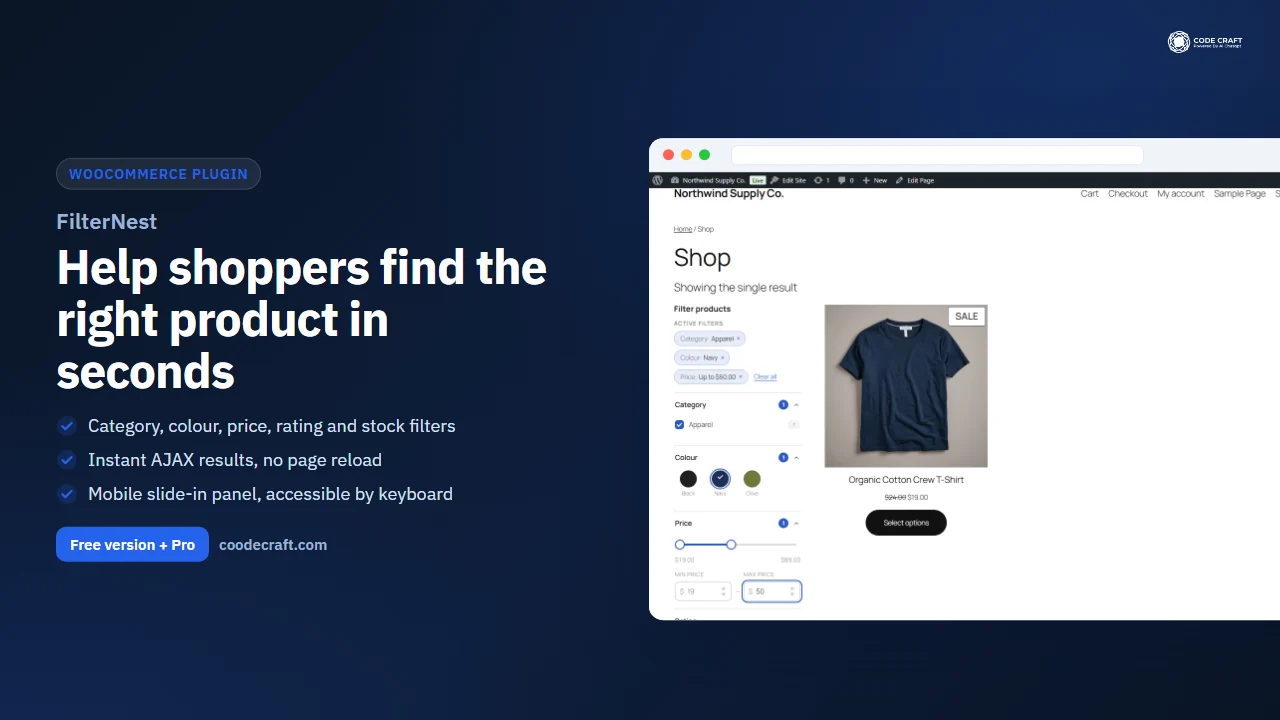
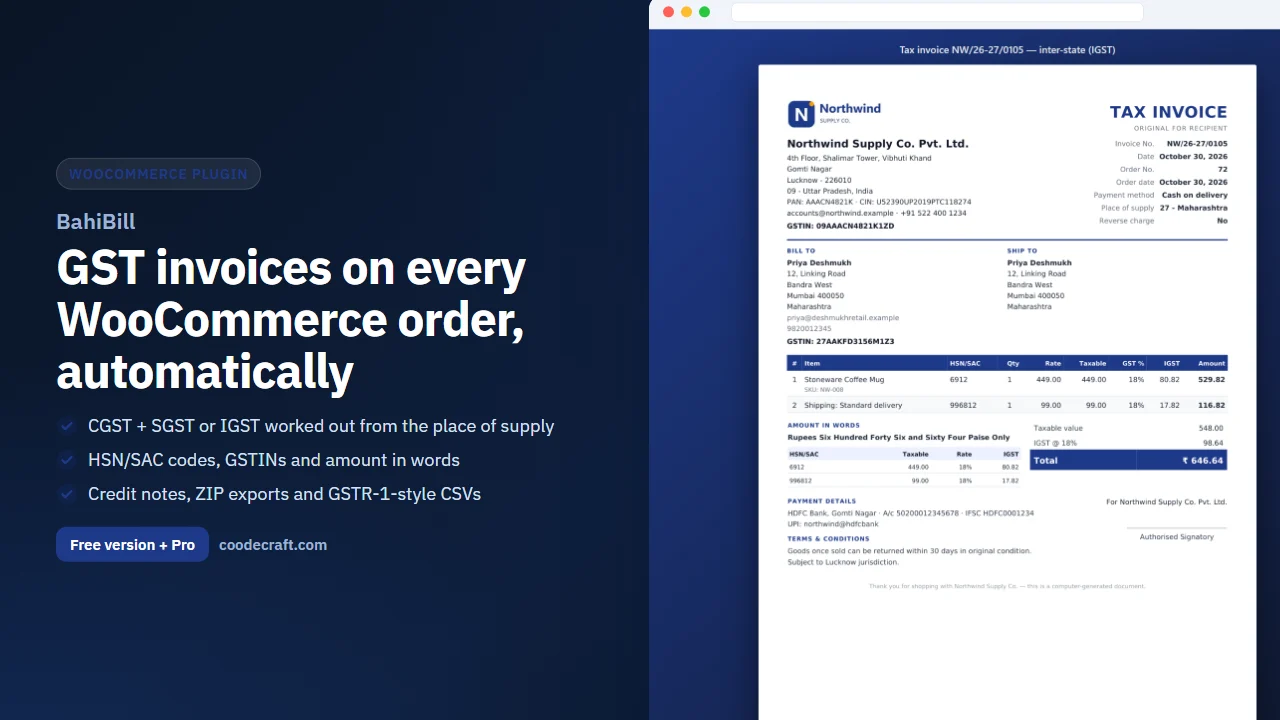
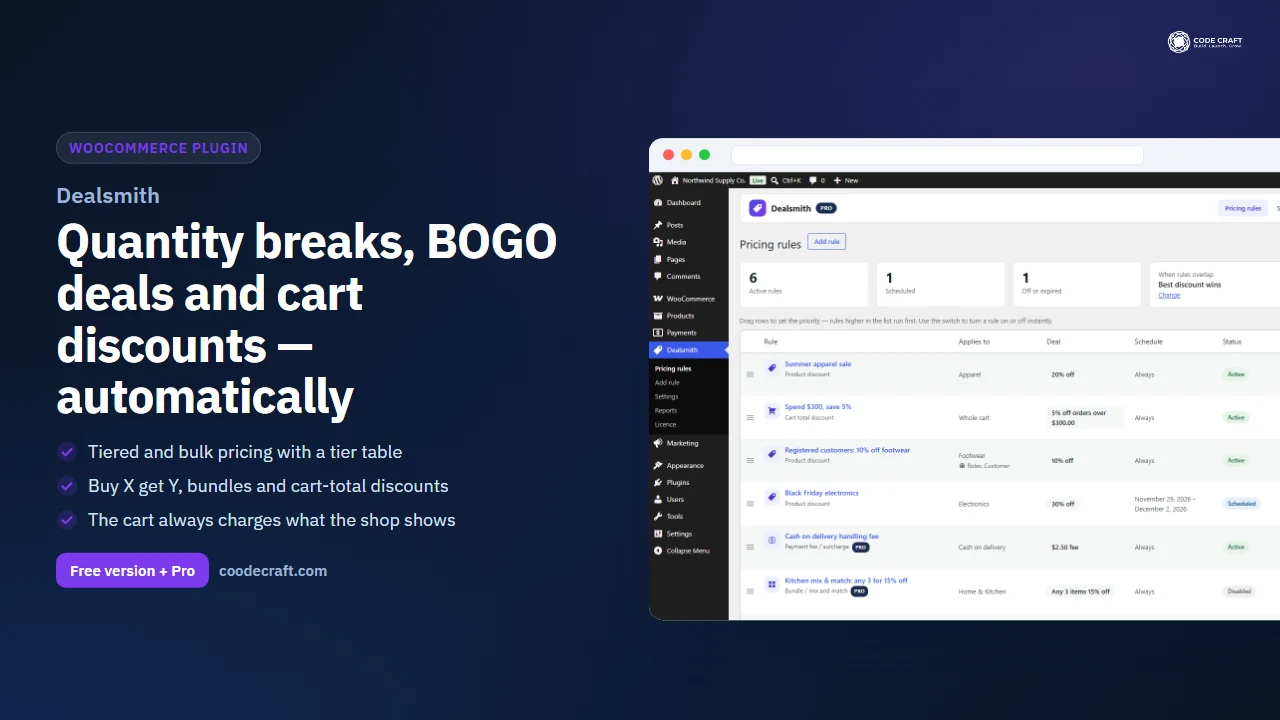
Also popular with our customers: FilterNest, BahiBill, Dealsmith. Browse every woocommerce plugins or see our best-selling plugins. Need this built into a custom project? Our WordPress development team can help.